News13 Segment – Backup, Patchup or Upgrade? Windows 10 Support Ending

Subscribe

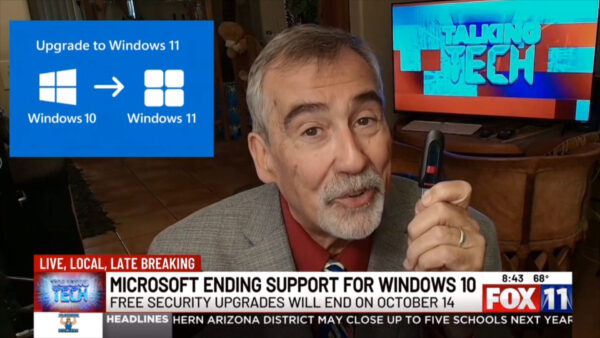
This week’s Talking Tech Segment on KMSB Fox 11 News 13 tackles the looming October 14th deadline when Microsoft officially ends free security updates for Windows 10. While Windows 11 is the clear upgrade path, not everyone has the hardware — or the desire — to switch. Microsoft is offering two “carrots” for those staying behind: sign up for their Extended Security Update program and allow backups to OneDrive to get one free year of patches, or pay $30 per device annually for continued security support. Both come with caveats, including limited storage and ongoing costs.
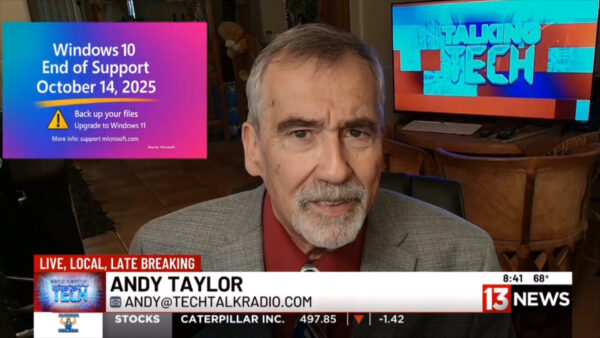
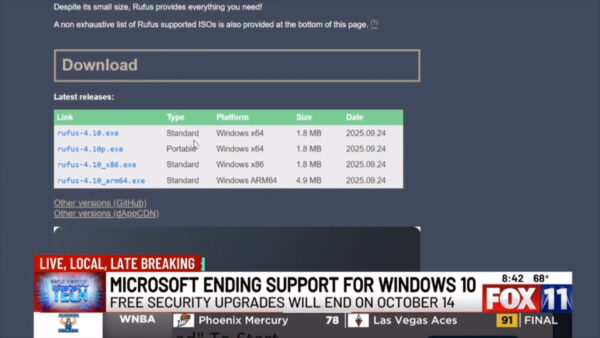
Andy stresses the most important step before any upgrade or patch: make a backup. Whether it’s with a StarTech docking station and a new drive, or trusted software like Acronis and EaseUS, protecting your data is key. Flash drives can also play a big role — not just for backups, but for creating bootable Windows 11 installers. With the free Rufus tool, users can build a customized installer that bypasses TPM 2.0, skips secure boot, and even sets up a local account. This makes upgrading older hardware possible without losing programs through an in-place update.

For anyone hesitant about moving forward, Andy points to a helpful ZDNet article by Ed Bott that outlines how Rufus simplifies the upgrade process. The bottom line: if you plan to stay on Windows 10 past October 14th, be prepared with backups and a plan — whether that’s paid support, cloud backups, or a careful jump to Windows 11.

Subscribe to our YouTube Channel for more Videos and The Full TechtalkRadio Show

Episode 457 – Windows 10 End of Life Workaround!

Subscribe

Windows 10’s end-of-support dominated this week’s show, as Andy, Shawn, and Justin tackled the panic, the realities, and the options. From Microsoft’s ESU path ($30 for Home, $60 for Pro) to the confusing OneDrive “free” backup catch (that 5GB cap!), the crew broke down who really needs to move now and who can safely plan. They also dug into the TPM 2.0 / Secure Boot debate—why game anti-cheat systems are driving requirements, how tools like Rufus can help on older hardware, and the real risk of kernel-level hooks. Along the way, Andy shared a cautionary tale about flipping BIOS/UEFI settings, MBR vs. GPT, and why documenting changes (and cloning that SSD first!) can save a weekend.

Not ready for new hardware? The guys mapped out sane alternatives: when a legit Windows 7→10 key will still activate Windows 11 on supported gear, and when a friendly Linux distro (Ubuntu, Mint, etc.) is the better retirement plan for a beloved PC. Shawn even previewed Ubuntu’s whimsically named future release, “Resolute Raccoon,” and the team answered a listener’s webcam question—ultimately reminding iPhone families that FaceTime across phones, Macs, and iPads is still the simplest way to video chat without extra gadgets.

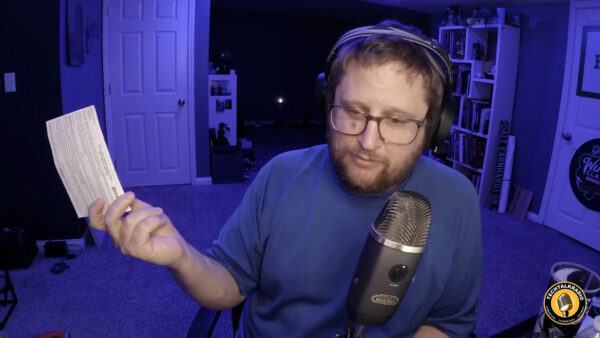
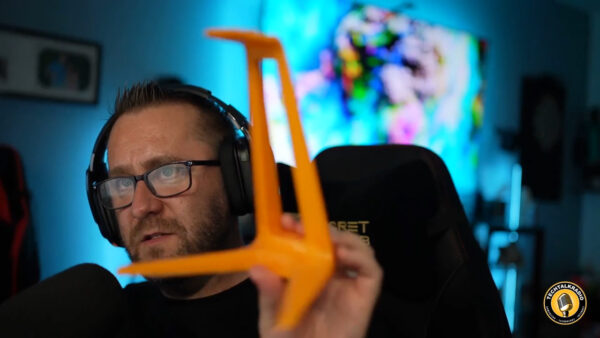
Andy revisited Driver Easy after a wave of online skepticism, sharing clean scans with Malwarebytes and real-world stability gains when Windows Update missed drivers. Shawn flagged a Corsair DDR4/DDR5 memory-speed class-action notice (proof that keeping receipts pays), and Justin gave an enthusiastic update on his new enclosed 3D printer: faster prints, auto-leveling, built-in filtration for ABS, and easy project ideas from MakerWorld and Thingiverse—all with filament costs that make practical prints (and holiday décor) surprisingly affordable. Justin’s Newest 3D Printer comes from FlashForge 


Wrapping up, Justin sounded off on Microsoft again—this time over the Xbox Game Pass price hike—while Shawn noted reports that some existing, auto-renewing subscribers may see delayed increases depending on market. Whether you’re planning your Windows 11 migration, eyeing Linux, tuning a printer, or trimming subscriptions, this episode is packed with field-tested advice, hard-won lessons, and a few laughs from the TechtalkRadio bench.

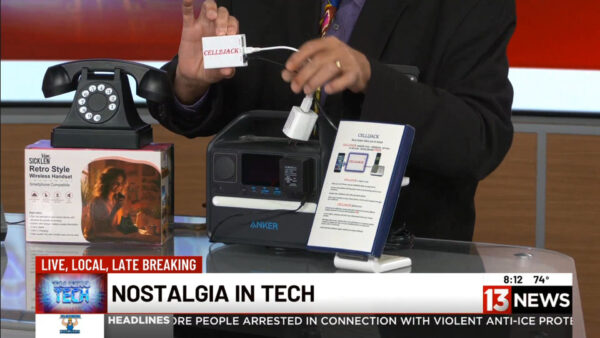
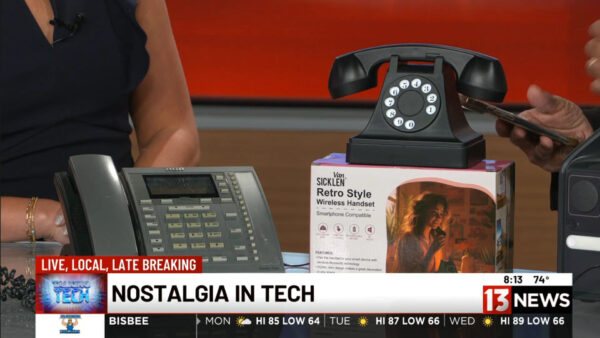
News13 Segment – Slamming the Receiver: Why We Miss Old-School Phones!

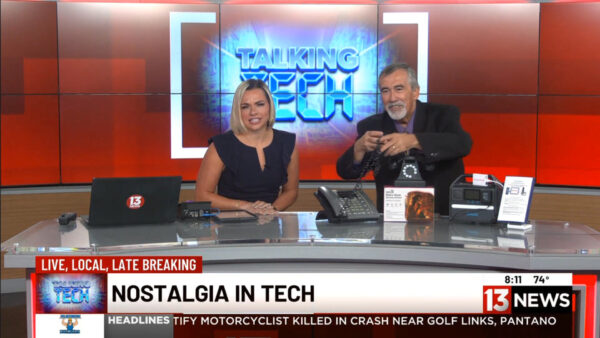
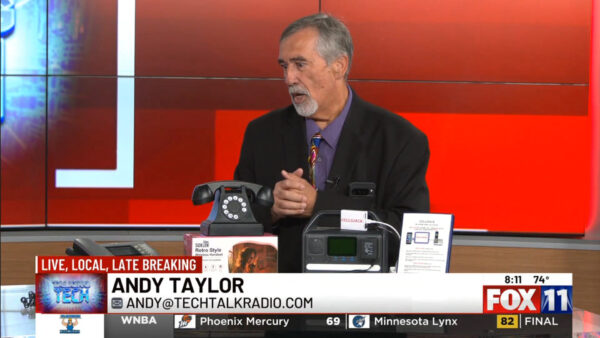
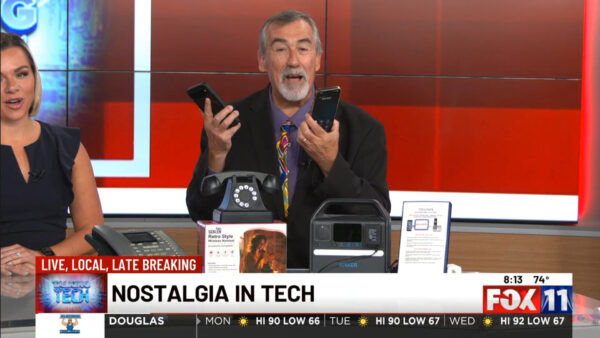
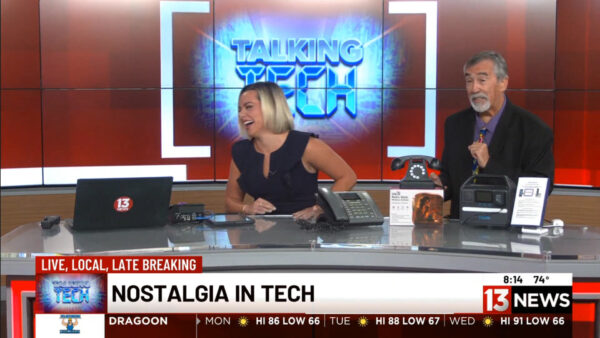
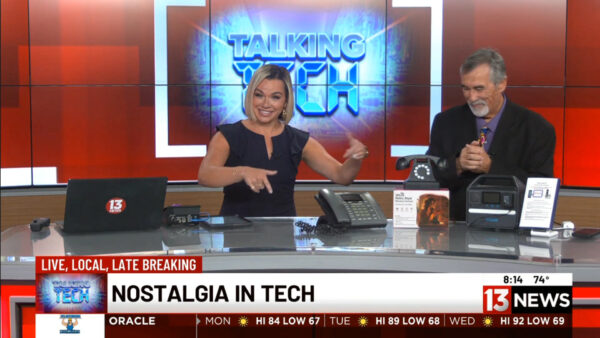
We had some fun this week with the Tech Segment on News13 with Carsyn Currier even though a couple of mishaps made it even more fun. Live TV, What can you do! At least we take a step back in time as we explore the fun side of nostalgic technology!

From rotary phones and corded handsets to cassette tapes and even classic floppy disks, old-school gadgets are making a comeback in surprising ways.

I get to give a quick look at how the Cell2Jack device ($40) lets you connect your smartphone to a vintage rotary or corded phone via Bluetooth, so you can actually make and receive calls the old-fashioned way. Plus, check out the Van Sicklen handset ($20 at Target) for a cool retro vibe and that unmistakable ring.

Sometimes when I am going through the Videos I Find Screen Grabs which give me a good laugh at the Silliness that can happen, Always a lot of fun.

Whether you remember stretching cords across the living room or dramatically slamming the receiver to end a call, this segment is a reminder of why we love bringing back the past. Watch now and relive the charm of yesterday’s tech—updated for today.

Video Episode 456 – Windows 11 Update made easy! Ok, Easier, Maybe…

Subscribe

This week’s Flashback episode of TechtalkRadio kicks off with a laugh, as Justin recounts how YouTube flagged his video simply for having Monday Night Football faintly visible in the background. What started as a minor annoyance turned into a deep dive into the quirks of copyright enforcement online—especially when compared with Twitch streamers who manage to broadcast live sports disguised as gameplay. The crew joked about how even a Mountain Dew can or a MacBook box might get them flagged, highlighting the ever-watchful eyes of content algorithms.

The conversation shifted into new tech purchases and experiments. Matt shared his decision to buy a brand-new 14-inch MacBook Pro with Apple’s M3 Pro chip, not out of Apple loyalty but as the best platform to run Kali Linux for cybersecurity training. This led into a broader discussion on cutting-edge laptops and even the newly announced “Spacetop,” a screenless laptop that uses AR glasses as the display. The crew debated whether augmented reality machines are the future of computing or just a passing gimmick, with plenty of comparisons to Apple’s pricey Vision Pro headset.

Industry news took center stage as the hosts examined reports of Qualcomm eyeing Intel for a takeover. The panel dug into Intel’s struggles with its 13th and 14th generation processors, which have been plagued by overheating and reliability issues, along with looming lawsuits and declining stock. They contrasted Intel’s woes with AMD’s strong comeback, recalling the history of dual-core development and AMD’s Ryzen resurgence. The talk underscored how quickly fortunes can shift in the chip wars—and whether Intel is truly “too big to fail.”

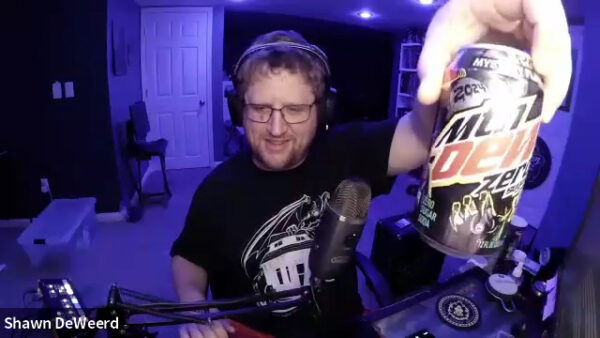
In this Mini Segment Posted above from the Show, Shawn talks about finding Ninite!

On the lighter side, the team went full-nerd over Warhammer 40K—from Shawn’s first tabletop skirmishes to Henry Cavill’s obsession with the franchise and its upcoming Amazon series. The show wrapped with Shawn’s hands-on tale of reinstalling Windows 11, troubleshooting endless drivers, and finally discovering the time-saving installer tool NiNite. The guys closed with a reminder of why patience and persistence are key in tech, and a promise to tackle more listener questions next week. Subscribe to our YouTube page for New Shows and Mini Segments!

DON’T MISS A BEAT

Be the first to know when our Shows and Video Content is released

We don’t spam! Read our [link]privacy policy[/link] for more info.

Episode 455 – Smart Homes, Dumb Drivers:The Crash Caught on Camera!

Andy, Shawn, and Justin open with Justin’s recent DDoS nightmare and use it to explore how IoT botnets form, why firmware updates and password changes are essential, and why cheap “set it and forget it” devices can be ticking time bombs. They compare off-the-shelf routers like ASUS, Netgear, and Linksys with more advanced options such as Ubiquiti and the open-source pfSense (“PF-chance,” as Justin puts it), which can turn an old PC into a powerful firewall/router—perfect for those willing to tinker. Tips include scanning with Fing, segmenting devices on VLANs, and avoiding ISP-provided routers.

Listener Q&A shifts the discussion to Windows 11: Home vs. Pro, and the frustration that Remote Desktop is missing in Home. Andy shares his Rufus experiment installing Windows 11 on unsupported hardware, while the team stresses the importance of BIOS and driver updates. The highlight is Shawn’s story about Driver Easy, which rescued a high-end transcoding PC that Windows updates had slowed to a crawl—finding 15+ outdated drivers and restoring its performance instantly. Justin explains how techs can use short-term Driver Easy licenses to fix customer machines without constant overhead.

But the big highlight comes from Justin’s own Reolink security camera: it captured a shocking moment when a car slammed into his neighbor’s $100K Nissan GT-R while it was being loaded for transport. The video proves why quality security cameras matter, and sparks a bigger conversation about Wyze vs. Reolink setups, VLAN security, and why having your own footage is worth every penny.

They wrap up with cool new tools — from DJI’s latest drones to lightningmaps.org, a live weather tracker that shows real-time lightning strikes. Whether you’re into gadgets, gaming, or just want smarter home security, this episode is packed with stories you don’t want to miss.

Be Sure to Check out the Video Version of this Show on the Website for Footage of that Crash!

Got a question for the show? Email techguys@techtalkradio.com, and catch more at techtalkradio.com.

Please Share, Listen, Subscribe to the Show on Spotify, Spreaker, iHeartRadio, YouTube and Our YouTube Page. Also Available on KGVY AM/FM, Amazon Music, PodBean and other Delivery Networks!