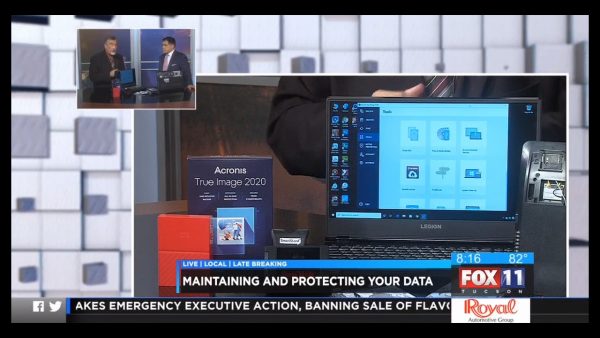
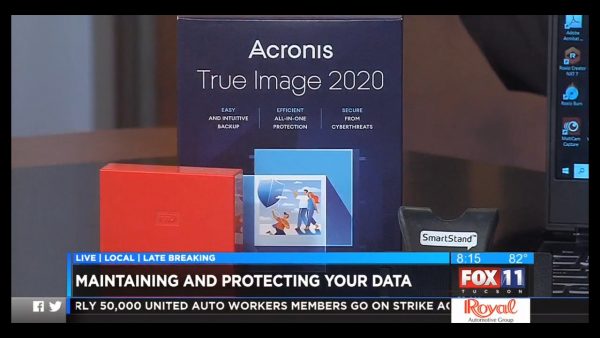
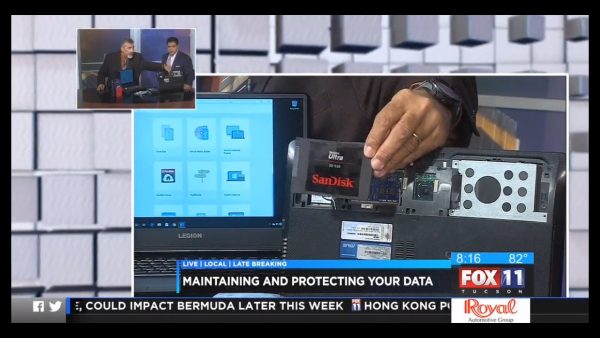
Photos from Today’s Segment on KMSB Fox 11 03/18/2019
[ngg src=”galleries” ids=”4″ display=”basic_thumbnail”]Here are some photos from Today’s Segment on KMSB Fox 11
The Blog for the TechtalkRadio Show
[ngg src=”galleries” ids=”4″ display=”basic_thumbnail”]Here are some photos from Today’s Segment on KMSB Fox 11
Today we are taking a look at Products for making the Desktop Computer Experience better! We share some products from Logitech that can do just that! From Desktop Video to Charging your Smartphone on the Desktop.
We have the New Logitech 4K Brio Pro Desktop Webcam. This is am amazing advancement in Desktop Video which can render video in a variety of formats up to 4K and provide the ability for multi camera on the desktop for Video Calls and Video Recording/Streaming. A Variety of Audio Input sources and filters. SRP is $199
We also have the Logitech Powered Desktop Wireless Charger – This operates as a Stand rather than laying it down on a flat surface SRP $69.00.
For a great wireless mouse we have the Logitech MX Master 2s Wireless with a bunch of control. Install the Logitech Flow Software and you can control two computers with One mouse . This Mouse features a 4000DPI sensor with the ability to track on just about any surface including Glass. It can charge via your computer with a day charge only taking about 3mins and a full charge lasting almost 70 days. Windows and Mac and connects via Bluetooth (Included connector) or tethered SRP $99.99
Finally the Logitech Craft Keyboard, a New way to get creative and productive on the desktop. A Wireless Keyboard with a Input Dial. This dial can work with an app for functions such as adjusting images, enlarging text using the Logitech Options Software. It features smart illumination which can adjust as your hands approach the keyboard. SRP $174.99
Be Sure to check out our Previous Post featuring a Look at the Logitech Brio 4k Pro Desktop Camera! Which can be found here!
We are impressed! Logitech sent us over the Logitech 4K BRIO Pro Desktop Camera to test out and feature on our KMSB Fox 11 Segment. It will be difficult to be able to show all the features of the BRIO on our segment so we decided to through a demo here on the TechtalkRadio Website. I will start off noting the very first feature to notice out of the box is the elimination on the hard wired USB cable to the webcam. Over the years we have only had it happen a couple of times but a cord could get damaged and then, that was pretty much it for that camera (yes, we know there are videos on the web on correcting this.) The Camera is connected via a USB C type connection to USB, a long cable is provided for that and can be completely disconnected if need be. Strong Sturdy construction on the base can affix the BRIO snugly to the top of a monitor or to a portable tripod. After download the free Logitech Capture Software from the website, we find so many neat features to use. Rather then run down a list we decided to use the camera itself to show these features on the fly. The BRIO also features a Privacy shutter and nice carrying bag for the cable and BRIO.
We will post our segment from KMSB on Monday but hope you are able to get a better view of the Logitech 4K Pro BRIO with this video!

In this TechtalkRadio Show, Justin and Andy try to change up the opening we’ve been using since 1996 and it’s an absolute disaster. The guys ask for listeners to send audio/voice of their favorite Technology so we can use it during the show opener. The guys talk about Email hacks and now some are using phone hacks to spoof phone numbers. In this new day an age, answering the phone has become a hassle not a joy. Leave a message or get blocked. Google finds a Zero Day Vulnerability and warns users to immediately update Chrome. While Andy did reinstall Google Chrome he takes a moment to discuss the steps to update Google Chrome. Justin has an Oops moment and it involves his gaming keyboard and Superglue?
With Justin’s blooper on his keyboard the guys talk about some of the great options for gaming keyboards and discuss the differences in price and quality on keyboards. The guys have been really impressed with what is available from Logitech. Logitech even makes a keyboard, the K400 Plus which can work with Smart TV’s making it easier to type in passwords for Amazon, Hulu and other streaming networks.
A new survey is out still suggesting that over 10,000 people surveyed, they still use 123456 as passwords. Some thoughts shared on this and why it should be changed right away. Justin shares the website Lastpass.com as a solution for creating good passwords.
Justin shares a great video gaming stream from Darkness429 with his buddy going at it with a game title called Who’s Your Daddy with hilarious results. Listeners can watch it on the Facebook Page for Darkness429 titled Dad Simulator. The guys talk about Roblox and how this is a great way to not
only play a game but also create!
Justin shares a compelling story of the 8th anniversary of the massive earthquake and tsunami in Japan. He was there and shares the experience as he prepares for another trip back to
Japan. We wish him and his family safe travels and look forward to his return. With the Big outages this past week, Andy and Justin share some sites to check out when in question of a site down. https://isitdownrightnow.com is one great site for checking system status. Apple also features a system status panel. Andy talks about some new
products from Fit Bit geared at kids, the Ace2.Keywords – Logitech, Gamingkeyboards, PhoneSpoof, UpdateGoogleChrome, K400, LastPass.Com, Creatingpasswords, Darkness429, dad simulator, steam, roblox, japan, earthquake, Isitdownrightnow.com, FitBit, Ace2, P
In this Weeks Show we discussed the recent issues with Facebook and Instagram with widespread reports of the services being down which affected 2.3 Billion Users! Of course this drove traffic to Twitter, even Facebook itself took to Twitter to let users know that the services were facing a downtime. It’s amazing how many people felt disconnected and shared the frustrations on Twitter and Snapchat with Meme’s and the pondering what the user may have down to infuriate the FB Gods to be ignored when trying to login!
It wasn’t you or your fault that sites were having an outage although I did tell my 78 year Great Aunt Delores it was her that took them down and to stay off the Internet! While we still haven’t heard the story of why the Sites were on Timeout other sites have taken a similar turn this week including Apple, Verizon, YouTube and Gmail and its services.
There are a few online tools available as we discussed on this weeks show which can give you a head up if a Service/Site is having an issue. Apple features a System Control Panel giving you a quick look at the different services and display the areas of trouble and accessible to the general public. Check it out at the Apple System Status page.
There are a couple of sites which can give you a pretty good overview of the many services online and when they may be having issues:
These will give you a good overview of a Sites Status.

You must be logged in to post a comment.