Episode 457 – Windows 10 End of Life Workaround!
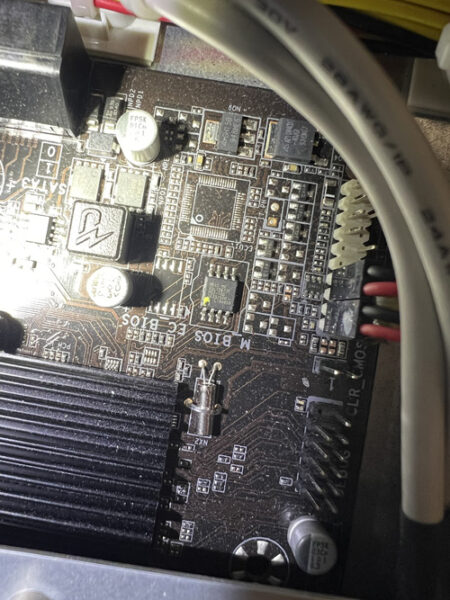
Windows 10’s end-of-support dominated this week’s show, as Andy, Shawn, and Justin tackled the panic, the realities, and the options. From Microsoft’s ESU path ($30 for Home, $60 for Pro) to the confusing OneDrive “free” backup catch (that 5GB cap!), the crew broke down who really needs to move now and who can safely plan. They also dug into the TPM 2.0 / Secure Boot debate—why game anti-cheat systems are driving requirements, how tools like Rufus can help on older hardware, and the real risk of kernel-level hooks. Along the way, Andy shared a cautionary tale about flipping BIOS/UEFI settings, MBR vs. GPT, and why documenting changes (and cloning that SSD first!) can save a weekend.



Not ready for new hardware? The guys mapped out sane alternatives: when a legit Windows 7→10 key will still activate Windows 11 on supported gear, and when a friendly Linux distro (Ubuntu, Mint, etc.) is the better retirement plan for a beloved PC. Shawn even previewed Ubuntu’s whimsically named future release, “Resolute Raccoon,” and the team answered a listener’s webcam question—ultimately reminding iPhone families that FaceTime across phones, Macs, and iPads is still the simplest way to video chat without extra gadgets.
Andy revisited Driver Easy after a wave of online skepticism, sharing clean scans with Malwarebytes and real-world stability gains when Windows Update missed drivers. Shawn flagged a Corsair DDR4/DDR5 memory-speed class-action notice (proof that keeping receipts pays), and Justin gave an enthusiastic update on his new enclosed 3D printer: faster prints, auto-leveling, built-in filtration for ABS, and easy project ideas from MakerWorld and Thingiverse—all with filament costs that make practical prints (and holiday décor) surprisingly affordable. Justin’s Newest 3D Printer comes from FlashForge
Wrapping up, Justin sounded off on Microsoft again—this time over the Xbox Game Pass price hike—while Shawn noted reports that some existing, auto-renewing subscribers may see delayed increases depending on market. Whether you’re planning your Windows 11 migration, eyeing Linux, tuning a printer, or trimming subscriptions, this episode is packed with field-tested advice, hard-won lessons, and a few laughs from the TechtalkRadio bench.




You must be logged in to post a comment.