Episode 455 – Smart Homes, Dumb Drivers:The Crash Caught on Camera!

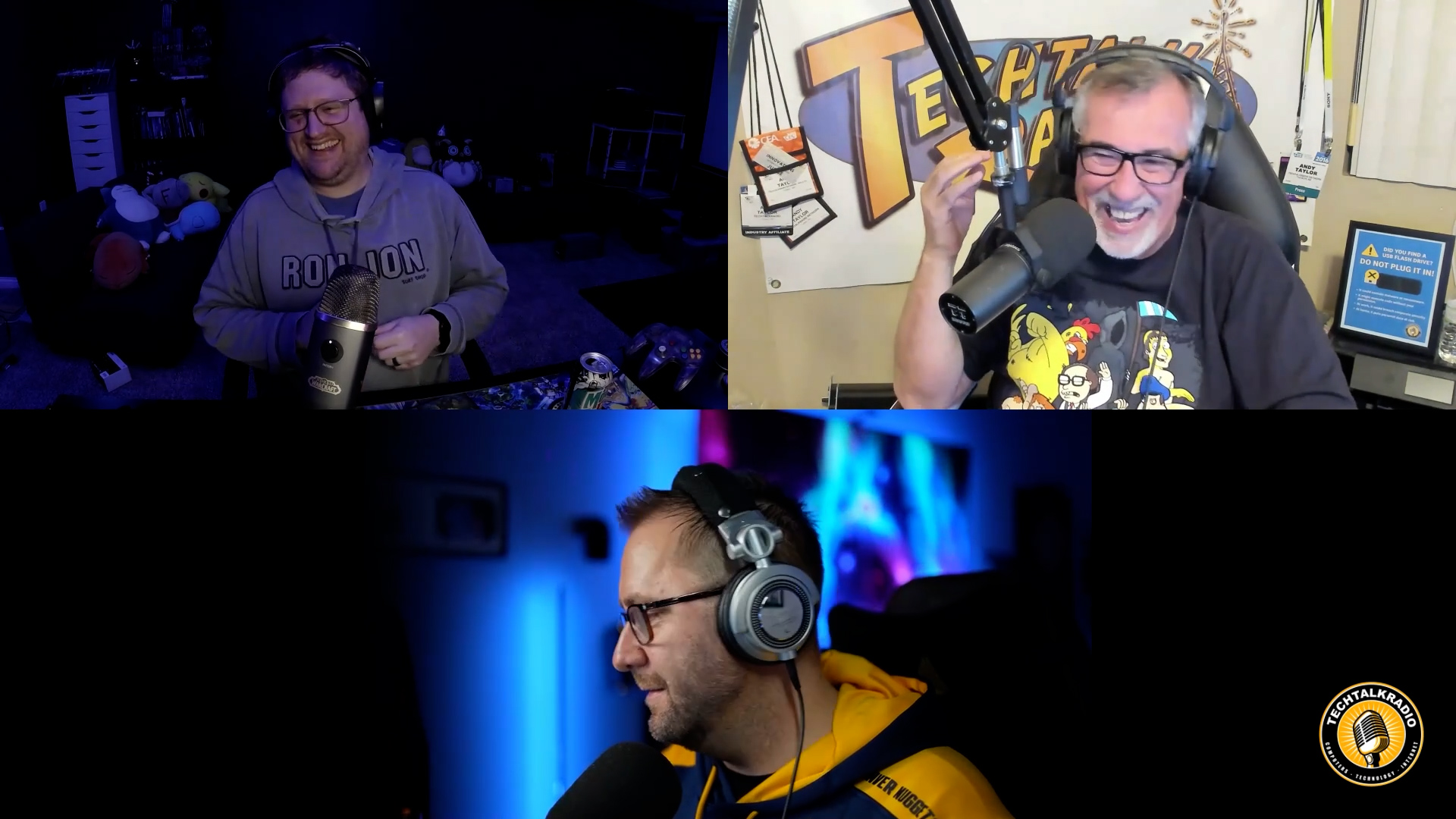
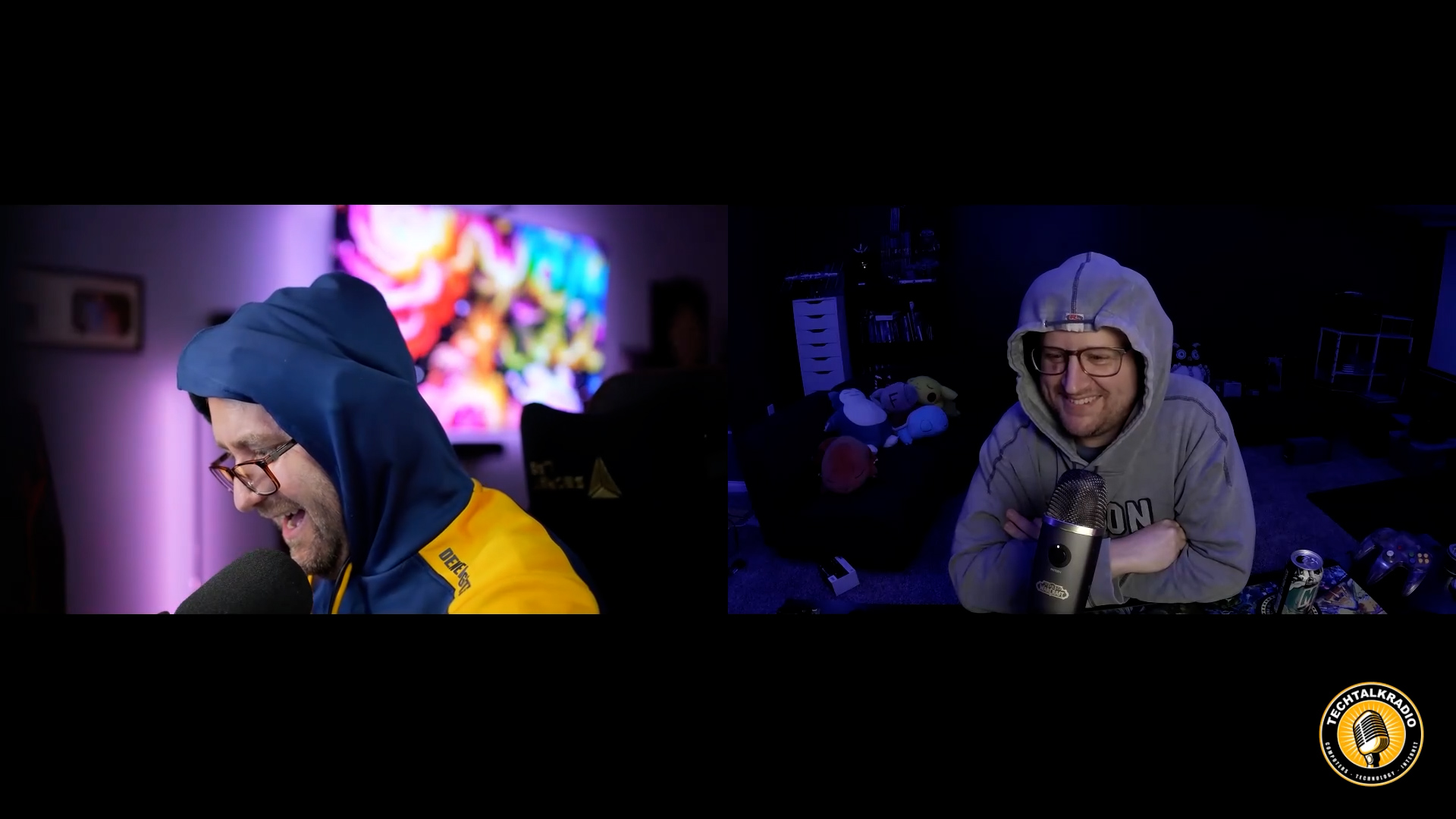
Andy, Shawn, and Justin open with Justin’s recent DDoS nightmare and use it to explore how IoT botnets form, why firmware updates and password changes are essential, and why cheap “set it and forget it” devices can be ticking time bombs. They compare off-the-shelf routers like ASUS, Netgear, and Linksys with more advanced options such as Ubiquiti and the open-source pfSense (“PF-chance,” as Justin puts it), which can turn an old PC into a powerful firewall/router—perfect for those willing to tinker. Tips include scanning with Fing, segmenting devices on VLANs, and avoiding ISP-provided routers.

Listener Q&A shifts the discussion to Windows 11: Home vs. Pro, and the frustration that Remote Desktop is missing in Home. Andy shares his Rufus experiment installing Windows 11 on unsupported hardware, while the team stresses the importance of BIOS and driver updates. The highlight is Shawn’s story about Driver Easy, which rescued a high-end transcoding PC that Windows updates had slowed to a crawl—finding 15+ outdated drivers and restoring its performance instantly. Justin explains how techs can use short-term Driver Easy licenses to fix customer machines without constant overhead.

But the big highlight comes from Justin’s own Reolink security camera: it captured a shocking moment when a car slammed into his neighbor’s $100K Nissan GT-R while it was being loaded for transport. The video proves why quality security cameras matter, and sparks a bigger conversation about Wyze vs. Reolink setups, VLAN security, and why having your own footage is worth every penny.

They wrap up with cool new tools — from DJI’s latest drones to lightningmaps.org, a live weather tracker that shows real-time lightning strikes. Whether you’re into gadgets, gaming, or just want smarter home security, this episode is packed with stories you don’t want to miss.

Be Sure to Check out the Video Version of this Show on the Website for Footage of that Crash!

Got a question for the show? Email techguys@techtalkradio.com, and catch more at techtalkradio.com.

Please Share, Listen, Subscribe to the Show on Spotify, Spreaker, iHeartRadio, YouTube and Our YouTube Page. Also Available on KGVY AM/FM, Amazon Music, PodBean and other Delivery Networks!
News 13 Segment – “From Podcasts to Videocasts: How Riverside.fm Makes Content Creation Easy”

Subscribe

Segment Overview
This morning’s segment focuses on how content creation has evolved, especially with the rise of video. While podcasting was once the entry point for many creators, today the demand is for videocasts that can be shared across platforms like YouTube Shorts, Instagram Reels, Facebook, and TikTok. I’ll highlight why traditional tools such as Skype, Zoom, and Microsoft Teams often fall short in terms of video quality and usability for creators who want to reach a wider audience.

Featured Tool: Riverside.fm
The centerpiece of the segment is Riverside.fm, a powerful platform designed specifically for recording professional-quality video and audio. Unlike Zoom or Skype, Riverside records locally on each participant’s device in up to 4K, ensuring clear, high-definition results. I’ll share how the platform allows for flexible editing—like switching camera angles or cutting unwanted moments—and integrates advanced AI tools for scripting, teleprompting, and even voice replacement. The segment also touches on its ease of use, free trial option, and why it’s become my go-to recommendation for anyone wanting to elevate their video content.

Why It Matters
For viewers who have been curious about starting a videocast or simply want higher-quality video production without the complexity, Riverside.fm offers an accessible solution. This segment will give them a clear look at how the platform works, the benefits of upgrading from standard video conferencing apps, and why tools like this are making it easier than ever to share professional-grade content online.

Episode 454 – “Apple’s New iOS, AI Shenanigans, and Roku Lights Up the Room!”

This week on TechtalkRadio, Andy Taylor and Shawn DeWeerd unpack iOS 26 after Apple’s recent wave of updates. Shawn—who’s been living on the beta—explains why the OS now feels “built for two-handed use,” with core actions and search shifting to the bottom of the screen. For anyone returning from Android or upgrading older iPhones, it’s less about flashy features and more about retraining muscle memory: new-message buttons, close icons, and search live where your thumbs naturally are.

From there, the conversation widens to the state of AI. Andy contrasts the speed and usefulness of Google’s Gemini for quick studio lookups with Siri’s slower responses, while both hosts wrestle with where AI is genuinely helpful versus where it still feels off. Practical wins include Lightroom’s AI noise reduction, using AI to wrangle manuals and code snippets, and Google’s NotebookLM—now with interactive “ask-as-you-listen” study sessions. On the flip side: AI-generated images still struggle with fine details and text, and accuracy gaps make “AI slop” risky for mission-critical work.

In smart home talk, Shawn revisits Wyze’s value gear—cameras, bulbs, and a new palm-vein recognition lock—plus the subscription math behind Cam Plus. He argues for a simple but powerful upgrade: first-class RTSP so users can record to their own NAS and keep footage off the cloud by default. Listener Q&A rolls through texting mysteries (blue vs. green bubbles and how RCS now bridges some features with Android), and the looming Windows 10 end-of-support date. They weigh Extended Security Updates versus buying new machines, and when Rufus can help install Windows 11 on borderline hardware—while warning that not every system will make the cut.

To cap it off, the guys look at Roku’s first projector (1080p with Roku OS, auto-focus/keystone, Bluetooth private listening), share a handy tip for listening through headphones via the Roku app, and flag a recent Plex security incident—change your password and be cautious with the latest Roku Plex app update if you’re seeing stutters or crashes.

Got a question for the show? Email techguys@techtalkradio.com, and catch more at techtalkradio.com.

Please Share, Listen, Subscribe to the Show on Spotify, Spreaker, iHeartRadio, YouTube and Our YouTube Page.

Connect With Us on social media
YouTube @TechtalkRadio
Facebook @techtalkers
Instagram techtalkradio
Web: TechtalkRadio.Com

Also Available on KGVY AM/FM, Amazon Music, PodBean and other Delivery Networks!
Disclaimer: If you click an affiliate link and buy a product or service, we may be paid a fee by that merchant.

Episode 453: Apple’s Big Reveal – Awe Yeah or Yeah No?”

Andy and Shawn kick off this weeks TechtalkRadio with The Big Apple September hardware drop called The Awe Dropping Event, Shawn shares his excitement over the announcements which included, new AirPods Pro 3 (better ANC, on-bud heart-rate monitoring, and live translation via “Apple Intelligence”), three Apple Watch tiers (SE as the budget health watch, Series 11 adding hypertension and deeper sleep tracking, and Ultra 3 with satellite messaging and up to 72-hour battery), plus the iPhone 17 family. Highlights include a super-thin iPhone Air (~5.3mm, ceramic-coated glass, 120Hz), across-the-line 48MP cameras, Pro/Pro Max video chops (4K/120, ProRes RAW, timecode/Genlock via accessory), bigger batteries (Apple touts ~27–32 hrs video playback), a rechargeable MagSafe pack, and indicative pricing mentioned on-air ($799 base 256GB iPhone 17; Air ~$999; Pro ~$1,099; AirPods $249; watches “about the same” as current gen). The crew debates whether any of it is a must-upgrade and notes Apple’s limited AI story beyond translation.

Justin, not a fan of the Apple Products jumps in to compare live-translate (Pixel’s had versions for years), rave about Pixel zoom demos, and spotlight Denver’s newly announced high-tech retractable-roof stadium plan. The guys also cover the viral “Baseball Karen” meme saga (“the internet never loses”) and drop a nostalgia gem as Website of the Week: BigBoxCollection.com—gorgeous 3D scans of classic big-box PC games.

Listener Q&A:
• “McAfee” pop-ups without McAfee installed = likely malware or a rogue browser extension. Solution: review/remove extensions, run Malwarebytes (ideally from a clean USB), and avoid calling scam numbers.

• Ripping CDs at home: Windows Media Player or VLC still do it; then back up to cloud + an external drive (practice the 3-2-1 rule).

Production note: Andy shares why the show moved to Riverside FM—clean local tracks, transcripts/teleprompter, smart editing—and a jaw-dropper: AI profanity replacement that sounds like the host. Justin closes by unboxing plans for a new enclosed, auto-leveling 3D printer and what he’ll make first.

NEW EPISODE #452 – K-Pop, YouTubeTV Battles & Windows 95 Turns 30!

Subscribe

This week on TechtalkRadio, Andy Taylor, Matt Jones, and Justin Lemme take listeners on a ride through pop culture, tech nostalgia, and the latest gadgets. We kick things off with Netflix’s surprise mega-hit K-Pop Demon Hunters, which has quickly become one of the most streamed films on the platform. Matt shares what this all has to do with Hannah Montana! The guys explore how the movie’s catchy soundtrack, unique animation style which Justin is not a fan of, and unexpected success are reshaping both the music and movie industries, But is it Enough?

From there, the conversation shifts to the future of movie theaters. Justin shares a hilarious yet frustrating story about his AMC theater experience, his impression is spot on, while Matt explains why premium theaters like Alamo Drafthouse are thriving. Andy shares a similar venue in the Tucson Area called Roadhouse Cinemas. The team debates whether streaming at home with services like YouTube TV is now a better option than overpriced tickets, flat sodas, and broken popcorn machines. Listener Steve from Tucson also sparks a great discussion on whether cutting the cord for YouTube TV is worth it.

On the tech front, Matt shares a new development with his new AI-powered home lab, now complete with Reolink 4K cameras and custom video analytics that can detect pets, license plates, and even track the dogs around the house. Justin, meanwhile, shares his return to the ambitious (and still in alpha) Star Citizen, a space sim that continues to evolve.

Of course, no trip down memory lane would be complete without celebrating 30 years of Windows 95. Andy, the Old Guy in the Room, realizes the Age Gap, when he ask Matt about the excitement of installing Windows95! The guys do reminisce about floppy disks, DOS gaming, and the long list of Windows versions that shaped the modern PC era. They also explain the term doom-scrolling for listeners who might be hearing it for the first time.

Finally, Matt ditches his smartphone and previews the brand-new Google Pixel 10 XL, fresh from Google’s “Made by Google” event. He’s already pre-ordered the device and will share a hands-on review in next week’s episode.Why didn’t Matt like the one he had before?

Please Share, Listen, Subscribe to the Show on Apple, Spotify, Spreaker, iHeartRadio and Our YouTube Page.

Connect With Us on social media
YouTube @TechtalkRadio
Facebook @techtalkers
Instagram techtalkradio
Web: TechtalkRadio.Com

DON’T MISS A BEAT

Be the first to know when our Shows and Video Content is released

We don’t spam! Read our [link]privacy policy[/link] for more info.