KMSB Video Segment : The Apple MacBook Neo and the EZQuest Hub That Expands Its Capabilities

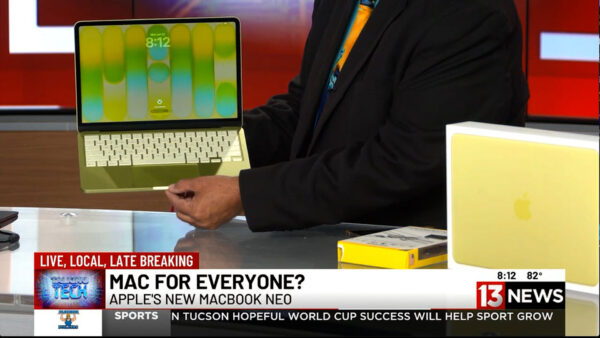
For years, Apple laptops have been known for premium performance—and premium prices. But during this week’s Talking Tech segment on KMSB Fox 11, Andy Taylor showcased a new option designed to make the Mac experience more affordable: the MacBook Neo.

Starting at just $699, the MacBook Neo is aimed at students, families, first-time Mac users, and anyone considering making the switch from Windows. Featuring a bright 13-inch Retina display, lightweight design, up to 16 hours of battery life, and Apple’s efficient A18 processor, the Neo delivers plenty of performance for everyday computing tasks including web browsing, email, office work, social media, streaming, and light content creation.

Andy also highlighted one of Apple’s biggest strengths—its seamless integration with the iPhone. Users can access Messages, share files effortlessly, and enjoy the growing capabilities of Apple Intelligence and Siri, creating a connected ecosystem that works together right out of the box.

While the MacBook Neo includes two USB-C ports, modern laptops often require adapters for legacy accessories and additional peripherals. That’s where the EZQuest USB-C Hub comes in. The compact hub dramatically expands the laptop’s connectivity, allowing users to connect USB devices, external storage, monitors, SD cards, wired networking, and even external optical drives through a single connection. It’s an ideal companion for students, professionals, photographers, and anyone who regularly works with multiple devices. The Below Video is our Segment from The TechtalkRadio Show featuring the MacBook Neo – Pricing did increase after Airtime but this gives you an overview of the Neo and EZQuest Hubs.

Andy noted that while power users editing large video projects may still prefer stepping up to a MacBook Air or MacBook Pro, the MacBook Neo offers an impressive balance of portability, battery life, and affordability. Combined with the versatility of the EZQuest hub, it becomes a capable everyday workstation that can grow with your needs.

Whether you’re returning to the Mac platform, buying your first Apple computer, or simply looking for a reliable laptop without spending well over a thousand dollars, the MacBook Neo proves that Apple computing is becoming more accessible than ever. Check out the Full Show at TechtalkRadio.com

The Epson WorkForce ES-590W | Fast Wireless Scanner with AI OCR

Fast, Smart, and Paper-Free: Taking a Look at the Epson WorkForce ES-590W Scanner

Going paperless has never been easier thanks to the Epson WorkForce ES-590W, a high-speed document scanner designed for home offices, small businesses, and anyone looking to organize years of paperwork.

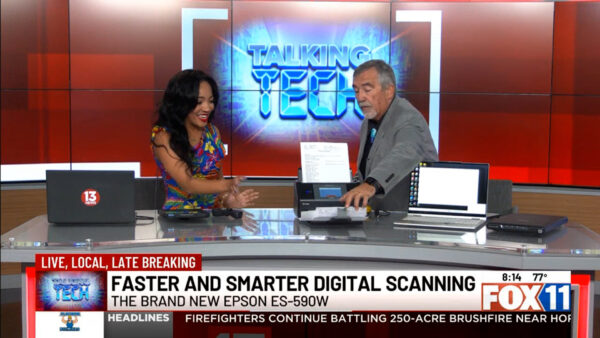
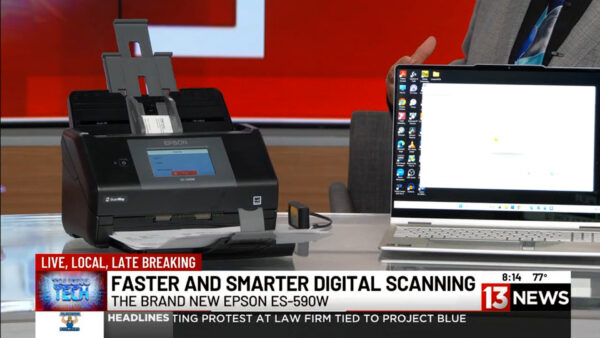
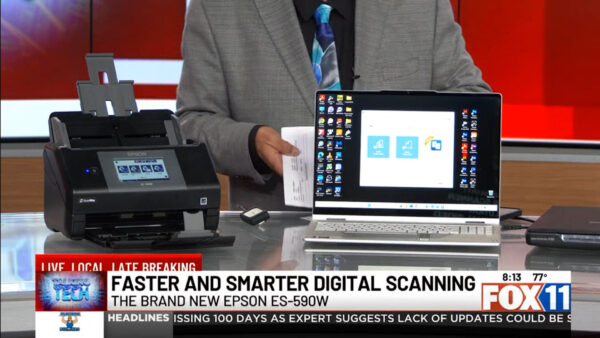
On this week’s Talking Tech with Andy Taylor on KMSB Fox 11, Andy demonstrated just how far scanning technology has come. Unlike the slow, single-page scanners of the past, the ES-590W features a 100-sheet Automatic Document Feeder (ADF) capable of scanning up to 45 pages per minute, making quick work of everything from tax records and contracts to family documents and receipts.

One of the scanner’s standout features is its wireless flexibility. Documents can be scanned directly to a computer, USB flash drive, cloud storage, or even a smartphone—without requiring a PC for every scan. The intuitive color touchscreen makes selecting a destination fast and simple.

The ES-590W also shines with Epson’s intelligent document software. Built-in Optical Character Recognition (OCR) allows scanned documents to become searchable and editable, while AI-powered organization helps categorize receipts, extract text from business cards, and simplify document management. Whether you’re digitizing office paperwork, organizing financial records, or preserving important family documents, the scanner helps eliminate the clutter while making information easier to find.

Priced around $499, the Epson WorkForce ES-590W delivers professional-level performance in a compact desktop design. For anyone looking to transition from filing cabinets to digital organization, it’s an impressive solution that combines speed, accuracy, and smart document management into one easy-to-use device.

Less Screen Time, More Play: Fun Tech for Kids with Mario and Bluey

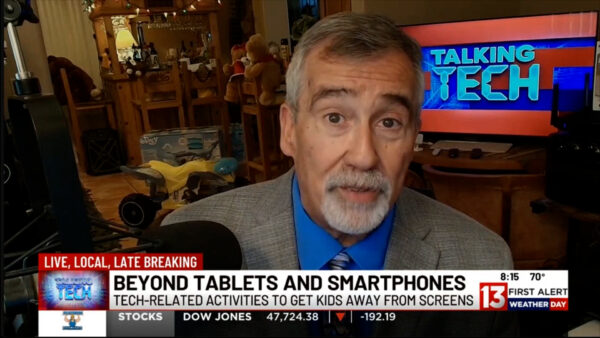
In this week’s Talking Tech segment on KMSB Fox 11 News 13, Andy Taylor explores a growing trend in technology—tools and toys designed to help kids take a break from screens while still engaging with interactive and educational experiences.

After showcasing a variety of gadgets at the Sunflower Computer Club in Marana, one standout featured previously on Talking Tech was the NEX Playground, an interactive system that turns your TV into a motion-based gaming experience. Kids can physically participate in games, blending screen time with movement and social interaction.

Nintendo is also expanding beyond traditional gaming with its My Mario line, offering books, building sets, and hybrid digital experiences that encourage creativity, reading, and hands-on play.

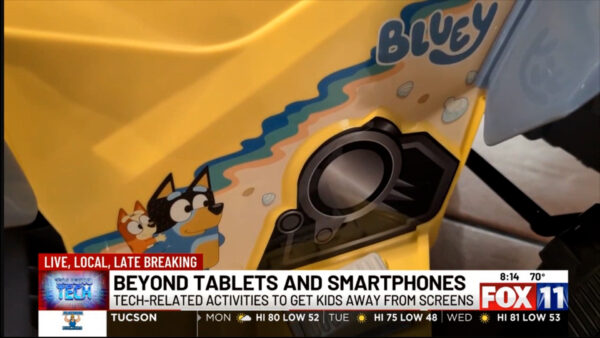
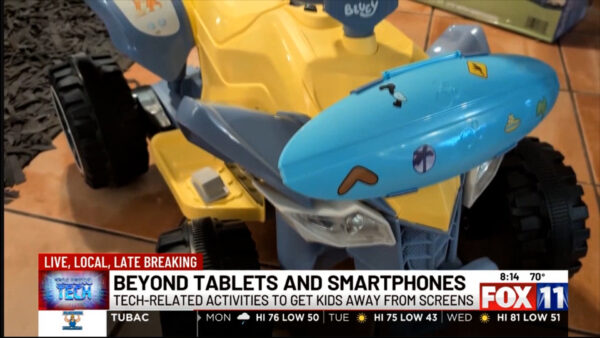
For outdoor fun, Andy highlights a ride-on ATV themed around Bluey. The Bluey 12v ATV With Surfboard is Designed for younger riders, it offers a safe, battery-powered way for kids to explore while enjoying familiar sounds and characters. Of course it is decorated in Bluey Style! While the Weight limit is about 66lbs and can reach a top speed of 3mph, Andy decided to have Sora, before it goes aways, allow him a virtual experience of Riding!

The takeaway: technology isn’t just about more screen time—it can also be a bridge to more active, creative, and balanced play.

News13 Segment – Picture Perfect: Remove Backgrounds in Photos Easily

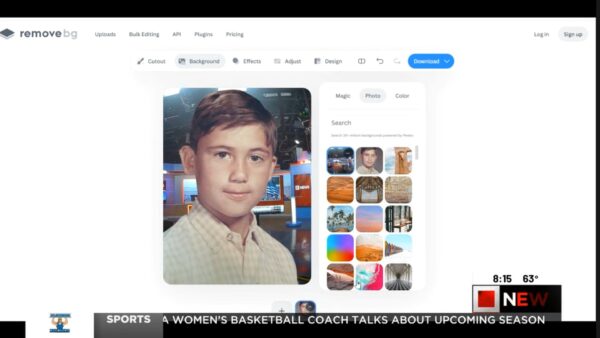
In This week’s KMSB News13 Segment, Andy shows you how to instantly remove photo backgrounds with a website Remove.bg — It’s fun to play around with but could be a time saver for those working to adjust a photo. No Photoshop skills required — While the latest version of Photoshop from Adobe can accomplish pretty much the same results, this is fun to take for a spin. We also take a fun look at Google’s Frightgeist, revealing the top trending Halloween costumes across the country. Which is the top trending costume?

From refreshing old memories to picking your next costume idea, these easy tools make tech both fun and functional!

👉 Watch now and try them yourself: remove.bg and frightgeist.withgoogle.com

New KMSB Fox 11 Segment – Great Tech Accessories!

With the holidays just around the corner, not everyone will be unwrapping new computers or massive monitors. In this special YouTube segment from TechtalkRadio on KMSB Fox 11, we’re excited to showcase some fantastic tech options that make perfect gifts.

First up, for our Mac users, check out the EZ Quest USB C Multimedia Hub Adapter. This sleek hub provides additional connectivity for all your devices without the clutter. With 13 available ports, including gigabit Ethernet, 2 HDMI ports, VGA, card reading, and various USB ports, it’s an all-in-one accessory designed for the Apple MacBook Pro or Air. Head to EZQ.com to explore more—they’ve got options for PC users too, and this hub is priced at around $59.
And since the holiday season is here, why not enhance the festive spirit with some smart lighting solutions? Wyze offers an outdoor light adapter that lets you control your holiday lights from anywhere using the free Wyze App. At just $18, it’s a convenient way to brighten up your holiday decor.

For a touch of holiday magic, Roku has LED lights that can transform your outdoor lamps with festive colors. These lights can be controlled remotely and add a delightful touch to your decorations, all for about $15.

Photo of Books Featured on the Tech Segment

Lastly, for the tech-savvy readers on your list, consider gifting Colin S Levy’s latest book, “The Legal Tech Ecosystem,” or dive into Kim Crawley’s “Hacker Culture A to Z,” recently published by O’Reilly Media. Check out our Interviews with Both on the TechtalkRadio.com Website

This holiday season, make your gift-giving tech-savvy and memorable! 🎁✨