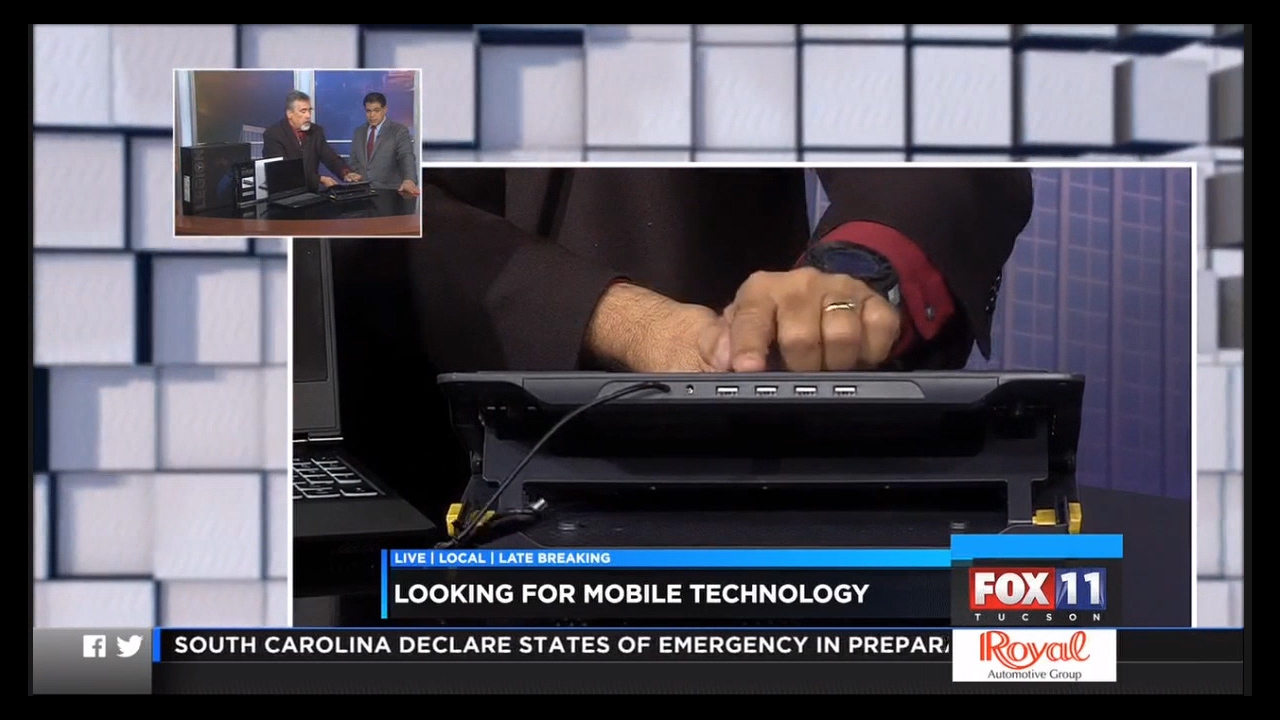
Acronis True Image 2020 Featured on KMSB Fox 11 Segment

Segment highlight the New Acronis True Image 2020

We tend to think of Data as just info that fills our hard drives with documents, music, programs and photos and Video. When we separate the fact that this data means something to us and It is more the gigabytes of info, data is something very important. We have all heard the stories of Hard Drives Crashing, let’s face it, they are not immune from failure. If we lose that precious data, we could lose those memories, those important documents.

Backing up data can be done inexpensively and shouldn’t wait till a drive failure to occur, recovery is far more expensive and far more time consuming that a backup which can run in the background.
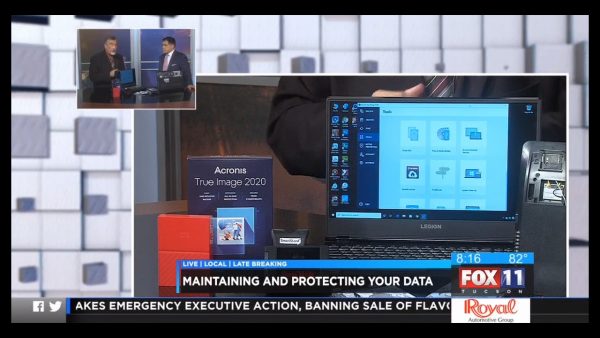
Incredible amount of Tools in the Software Interface for True Image 2020 from Acronis

The latest version on Acronis, True Image 2020 is now available. This handy software though does more than just backing up your date. It gives you tools AND options. The program offers an Easy to Use Wizard type driven backup. Users can backup to the cloud with storage available from Acronis and Encrypted for security. This can help protect your Data from Cyber Threats.

Acronis True Image 2020 uses blockchain technology to achieve an enhanced level of security and incorporates Anti Malware Technology to help protect you from backing up affected or infected programs and data. Make your backups at once or incremental, for when changes or files are added. Users can also Backup to a Locally connected drive as well as the Cloud, this is called Automated Dual Protection!
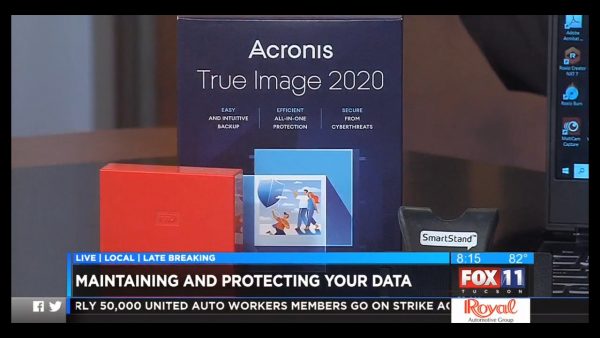
Box Photo of the Acronis True Image 2020

What I am a big fan of as well is the many tools available for your data management. Want to Upgrade your Desktop or Laptop to a Larger Drive? The Disc Clone feature can give you all the steps needed to make this happen. Users can create a recovery drive, If something happens to your drive, install a new drive and recover from the created Image of your drive. The True Image 2020 Licence will also allow you to back up your mobile devices as well. Another Nice feature is to be able to take a hard drive from say an HP Laptop and install to a new Dell laptop, without having to reinstall your programs with a special backup and recovery program.
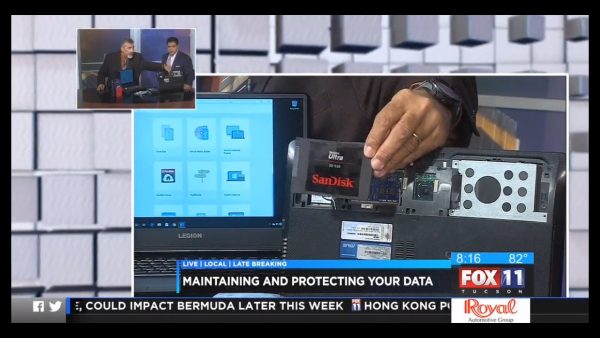
Upgrade that “Spinny Drive” to a Faster SSD Drive Easily with Acronis True Image 2020

The Program starts at 49.00 for 1 PC to 99.99 to protect up to 5. For the full blockchain protection, End to End Encryption, Automated Duel Protection, 1TB of Cloud Storage and up to 5 Computers, it is 159.99 per year. Try it out for a Trial Run and find out More at Acronis.com
KMSB Segment – Getting a Great Deal on a Laptop

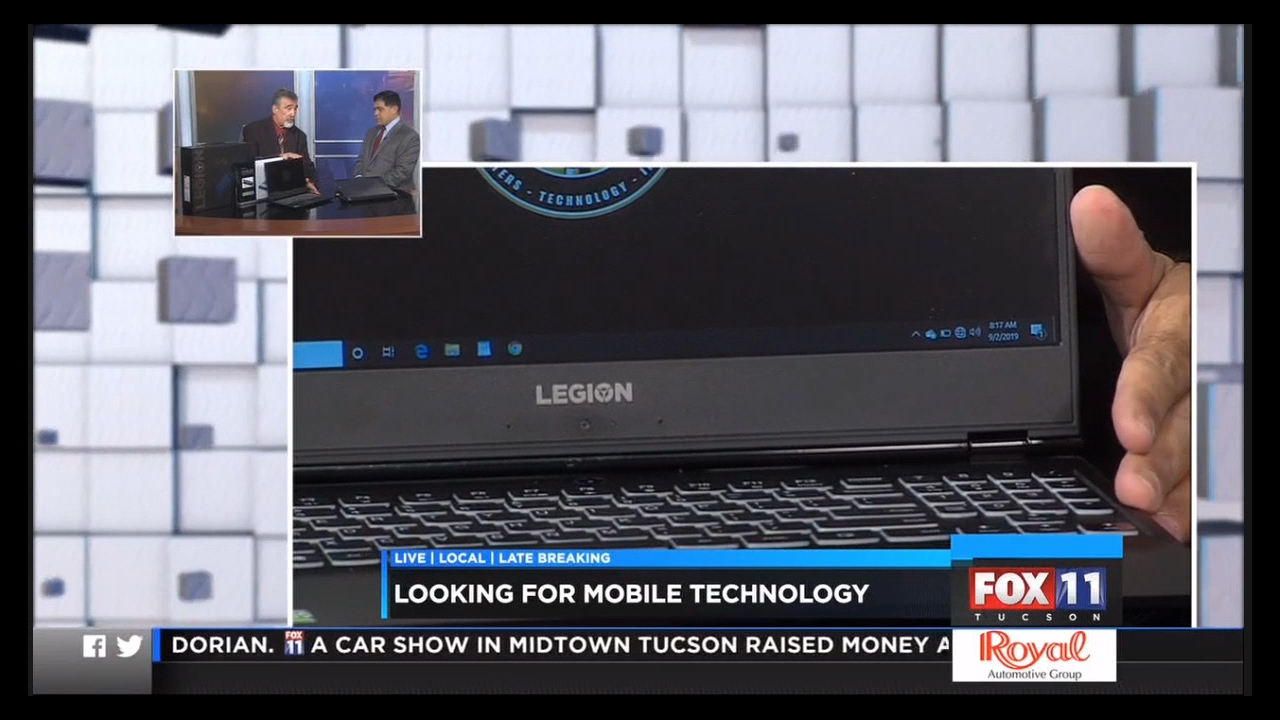
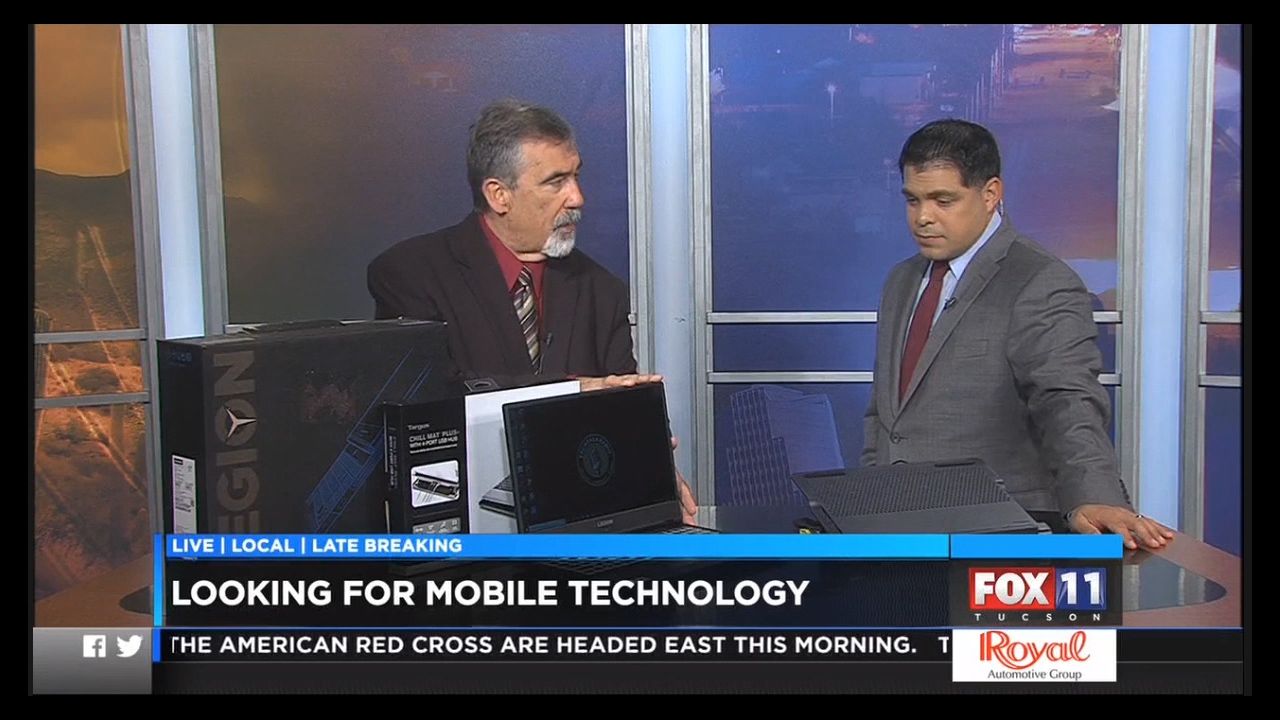
Our KMSB Fox 11 Segment, Sharing the Great Deal we found on the Lenovo Y530

In the Past few months we have shown a couple of Low Cost Budget Systems for our segment on KMSB Fox 11 Daybreak. If you are wanting a powerful system for mobile technology, IE: Laptops and maybe have a few few extra “bucks” to spend, the time is right to get a great deal on a Laptop with power that I often refer to as Desktop Replacements.

The Lenovo Y530

These “Gaming Laptops” are loaded with Power, performance and storage. With systems set to be offered in the months leading up to Black Friday, asking the clerk at your electronics store what In Store Offers are available could lead to a satisfying surprise. But you have to ask. We take a look at one of these systems and what users expecting more from Technology should be looking at. We featured the Lenovo Legion Y530.

KMSB Showing the Lenovo Y530

We were able to get in on the In Store Pricing and saved a bundle! To give you an idea, The Price on the Lenovo Website was set at around 1100.00, The Website Advertised Price at a Big Box Retailer had it at 899.00, by asking we were able to pick this up for 650.00, Not a Refurbished or Floor Model but a special in store price.

The Lenovo Y530 Features what you should be looking for with a Desktop Replacement, 15.6 Inch 1920×1080 Screen, Backlit Keyboard, 8GB of Memory, GeForce GTX 1050 Graphics card, capable of today’s games and an Intel Core i7 Processor.  It has a Wide Variety of Ports. 3 USB 3.0, 1 USB Type C, 1 HDMI Output, We were happy with the Battery Life, about 5-6 hours, it features Bluetooth as well. With this Model, Buyers receive a One Year Manufacturers Warranty on Parts and Labor. Duel fans on the Botton help to keep the system running cool.

The Only downside is No Serviceable Ports, which is a trend, however we did “Open it Up” and switch out the “Spinny Drive” to an SSD.

USB Ports on the Targus Laptop Cooler

If You are Looking to use a laptop that seems to get hot? Targus and other companies make cooling pads, docks for extending the USB Capabilities AND keeping your systems cooler, We take a look at this as well!

Check Out the Video at the Top of the Page on the Lenovo Y520!

KMSB Fox 11 Daybreak – Taking a look at the Asus Chromebook C523NA

For today’s segment Andy Taylor of TechtalkRadio visited the KMSB Fox 11 Studios and shared some info on the Asus Chromebook. We are hearing more of students in both the high school level as well as in some of the Tucson Area Trade Schools and Continuing education using Chromebooks for not only school but also many of the features we use windows or apple based computers on.

A question that some salespeople are asked in regards to Chromebooks is “Does it run windows?” The short answer is No, however some modifications can be done to enable this but honestly, Why? Over the years we have seen the Chromebook develop into a real player in the Mobile Laptop space with the Google OS (Operating System) While for some it may take a little getting used to however with Google Docs, Users can create documents and save – print and share these. Users can take full advantage of the cloud with the online service on a WiFi connection however users can also work offline with the Chromebook.

We are looking at the Asus C523NA which I picked up for under $300 with Touchscreen. This Intel Pentium N4200 Processor at 1.10Ghz based machine features 64GB internal storage which may seem minuscule compared to 512GB to 1TB we see on higher end Laptops running the Microsoft Windows Operating system however the concept is a machine that is battery saving, lighter and integrates well with the Internet. For those that have a preference to using Microsoft Products, Office Online is available as an App giving access to a version of Word and Excel for starting at a 6.99 a month fee which includes Skype Video Calling.

The Chromebook comes equipped with an HD Cam. The Google Product Line allows you to upload and download photos, share them within google photos – All that is a part of the Google Apps. The C523NA features 2 USB 3.0 slots and a satisfying battery life of around 6-10 hours of course depending on the work you are doing. It works with the Google Chrome browser.

While Andy may not want to qualify this us a laptop only due to confusion between Windows Based Laptops and Mac Books
it essentially is, but running Google OS.

The price is right as well – You can find Chromebooks very reasonably priced at under $300

Scott Sands WSPD talks with Andy Taylor of TechtalkRadio

Andy Taylor talked with Afternoon Show Host Scott Sands at NewsRadio 1370 WSPD about CES2017. Covered were some of the Technology idea certainly worth saving Pennies for and of course the ideas that had many scratching their heads saying “Why?” As Scott said “Do we really need to be that lazy?” however the answer most likely is “Why Not?”

Some of the Cool Innovations are discussed and some of the high points for this 50th Anniversary of CES put on by the Consumer Technology Association.

Check out the Video and be sure to check out Scott Sands (And Shaggy Too) on iHeartRadio! http://wspd.iheart.com/ and the Podcast for the Show
https://www.iheart.com/show/139-The-Scott-Show/

Ring, Sling and Copying

In this Weeks Show, Andy and Justin talk about Alexa and the New Google Home as personal assistants. Justin installs Ring and tells us why he couldn’t completely love the experience. Battlefield 1 and Civilization are covered as titles for the holiday season.

Slick and Andy talk about Sling TV and how cutting the cord is becoming easier and offering more choices. Also covered are some new options for cord cutters for local programming. Antennas for local programming are discussed and how to easily transfer your VHS Tapes to DVD with the New Roxio Easy VHS to DVD 3.

Website of the Week from Slick is Next Door an App that connects your neighborhood.


SUBSCRIBE AT SPREAKER