Episode 486 – Poutine, Power and Two Screens – One Laptop!

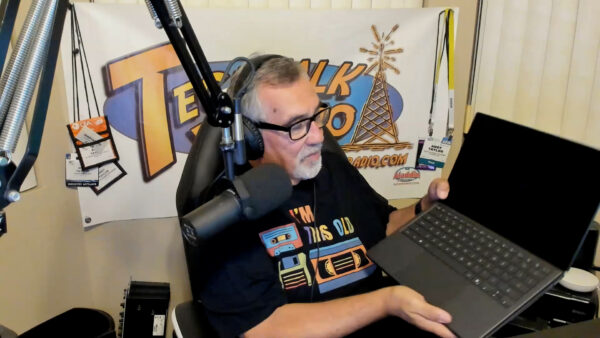
The crew is back together for Episode 486 of TechtalkRadio, with Andy Taylor, Shawn DeWeerd and Justin Lemme catching up on a whirlwind few weeks of technology, travel, severe weather and some very interesting new gear.

Segment One – Severe Weather, Gen Con & Backup Power

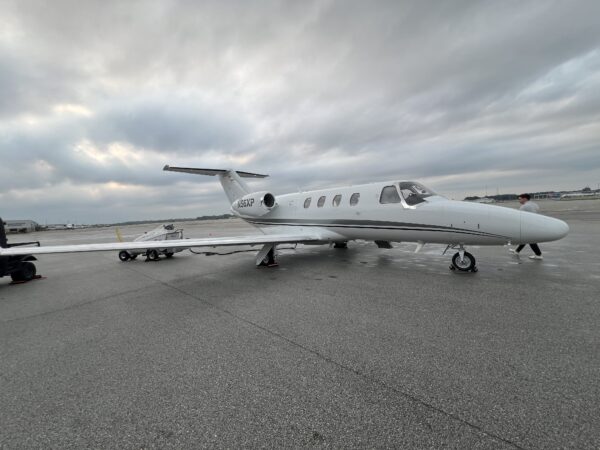
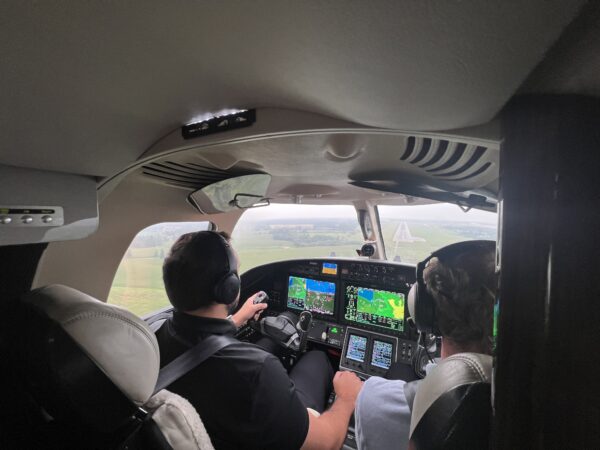
Shawn has been on the move, including a vendor trip to Canada that had him flying private while severe storms were moving through Indiana. The guys talk about the powerful storms and tornado warnings back home and share some of the weather resources they use, including Weather.gov, Zoom.Earth and RadarOmega.

Shawn also recaps his trip to Gen Con in Indianapolis, where — fittingly — another tornado warning became part of the adventure. He shares some of what he experienced at the massive gaming convention, including playing Daggerheart, before talking about his trip to an ESPN conference and the technology work underway at Notre Dame.

The conversation then turns to emergency power. Shawn has added an Anker SOLIX home battery backup system along with portable solar panels. Unlike his existing inverter generator, the battery system can provide 240-volt power, allowing him to run essentials including his well pump. He shares his real-world experience using the system at home and while camping, including how much power he was able to generate from the portable solar panels.

Segment Two – ASUS Zenbook Duo, PC Prices & Getting Prepared

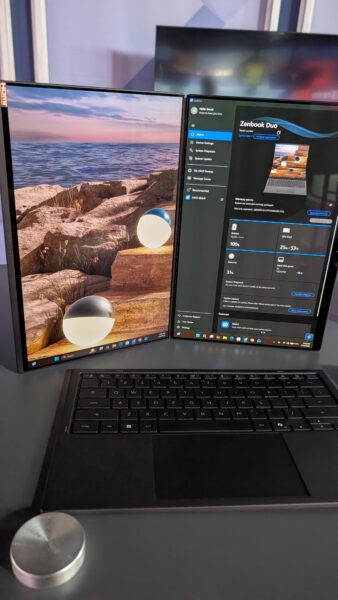
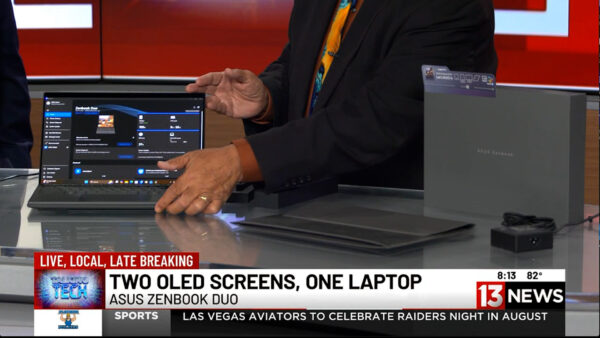
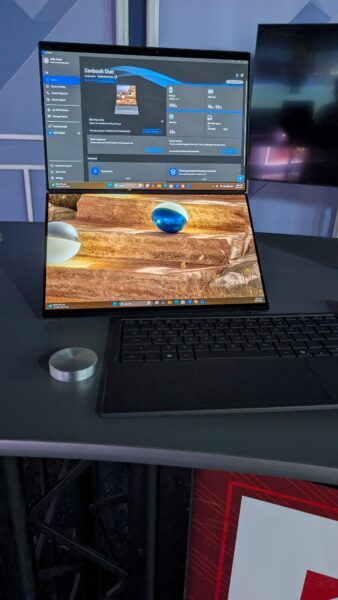
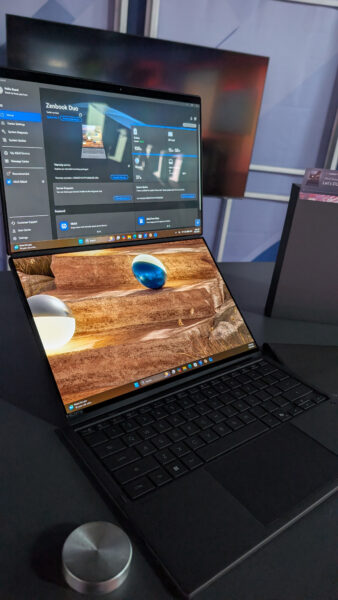
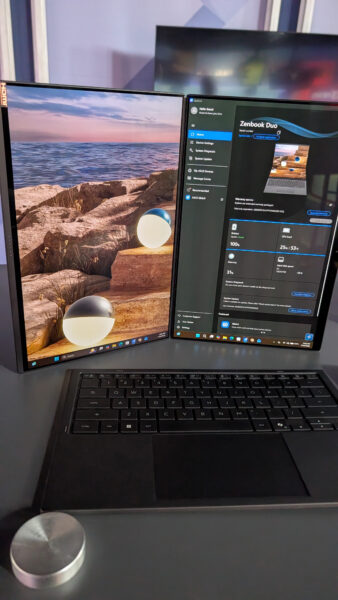
Andy shows Shawn and Justin the latest ASUS Zenbook Duo, a unique productivity laptop featuring two 14-inch 3K OLED displays. Remove the Bluetooth keyboard and a second full display is revealed underneath, creating a portable dual-monitor workstation. With an Intel Core Ultra 9 processor, 32GB of RAM, 1TB SSD, stylus support and ASUS’ Ceraluminum finish, Andy explains why he sees the Duo as a powerful “grown-up back-to-school laptop.”
That leads to a discussion about the rising cost and availability of RAM, storage and other PC components. The crew talks about why building your own PC may not offer the savings it once did and why buying a prebuilt system can sometimes make more financial sense.

Justin then introduces another topic he’s been researching: basic emergency preparedness. Rather than taking an extreme approach to “prepping,” he’s slowly putting together practical supplies such as bottled water, shelf-stable food, solar lanterns, flashlights and first-aid supplies.

Segment Three – Bugging In, Listener Questions & Giving an Old PC New Life

Shawn continues the preparedness discussion with an important point: emergencies don’t always mean leaving home. In many situations, “bugging in” may be more practical than bugging out. The guys discuss maintaining emergency supplies, rotating food and water and keeping a go bag available for situations where evacuation really is necessary.

Then it’s time for listener questions. Diana in Sahuarita inherited an older Windows 10 laptop covered with desktop icons and programs. Should she simply clean it up? Shawn and Justin have another idea: wipe the machine and start fresh. And if the computer isn’t a good candidate for Windows 11, the guys suggest Linux Mint as a free and increasingly user-friendly alternative.

Andy also shares a recent troubleshooting job involving a laptop that couldn’t reliably open browsers or save files. The culprit? The 250GB SSD had only nine megabytes of free space remaining. After freeing roughly 100GB, the discussion turns to whether upgrading an older laptop’s SSD makes sense — or whether the money would be better spent toward a new computer.

Segment Four – A Mouse That Folds…and Dippin’ Dots?

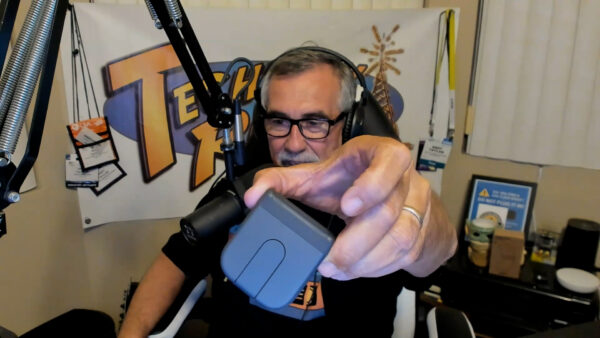
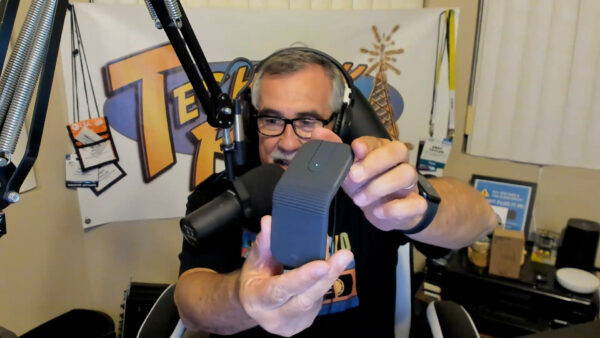
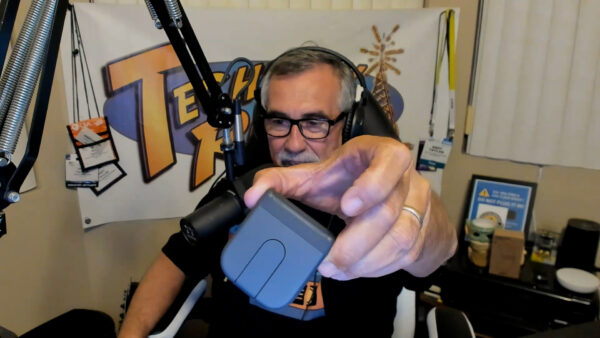
Andy wraps up the tech with a look at the Logitech MobiFold, a portable Bluetooth mouse that actually folds flat for travel. It can switch between three Bluetooth devices, replaces the traditional scroll wheel with a touch-sensitive scrolling surface and offers impressive battery life — including up to 22 hours of use from a one-minute quick charge.

And because it’s TechtalkRadio, things don’t stay completely technical for long. Justin reveals what happens when the kids return to school at the water park where he works and the full-time staff have to step in. For the IT manager, that recently meant trading technology for hot dogs and Dippin’ Dots — leaving him very ready to get back behind a computer.

It’s another episode filled with technology, practical advice, new gadgets and plenty of laughs with Andy, Shawn and Justin on TechtalkRadio Episode 486.

Please give it a listen or view and Subscribe via YouTube, Spotify or Spreaker! Also Available in the iHeart App and PodBean!
ASUS Zenbook DUO 2026: The Ultimate Grown-Up Back-to-School Laptop?

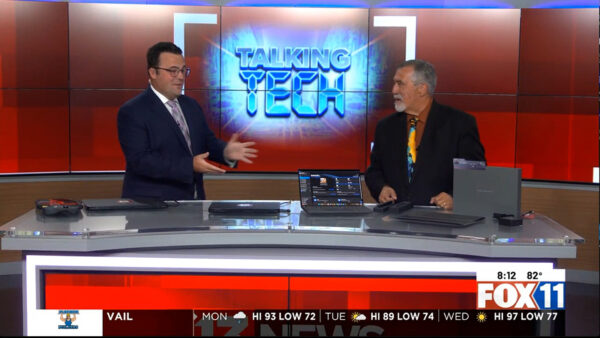
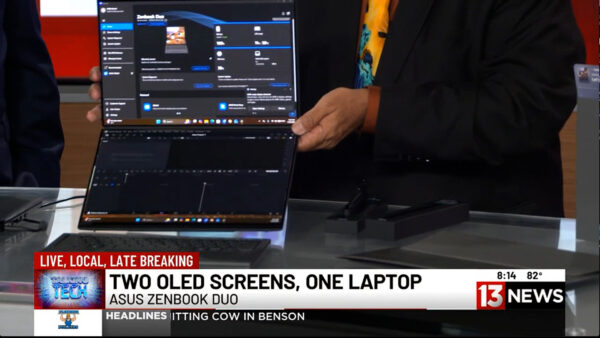
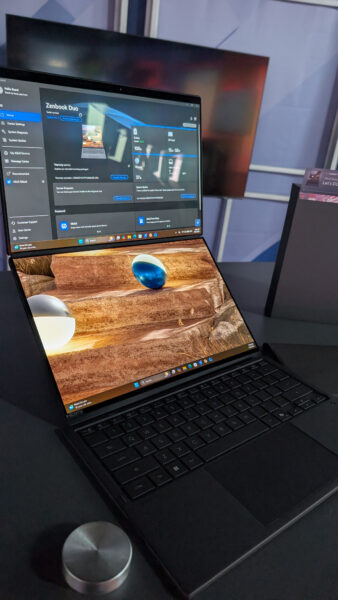
On a recent Talking Tech with Andy Taylor segment on KMSB Fox 11, Andy joined Tyler Butler to take a look at the latest ASUS Zenbook DUO, a laptop that takes the traditional notebook design and doubles down—literally—with two 14-inch displays.

The Zenbook DUO isn’t an entirely new concept. Andy first featured the dual-screen design back in 2024, when ASUS demonstrated how a laptop could transform from a traditional keyboard-and-screen setup into a portable dual-monitor workstation. For 2026, ASUS has refined that idea considerably, making the new DUO feel less like an experiment and more like a polished everyday productivity machine.

That makes it especially interesting as a “grown-up” back-to-school computer. Whether you’re a college student juggling research, online classes and assignments or an adult returning to school while also managing work and family, having two displays available almost anywhere can be a serious productivity boost.

What’s New for 2026?

One of the biggest changes is the construction. The latest Zenbook DUO is encased in ASUS’ proprietary Ceraluminum™, a combination of ceramic and aluminum designed to provide strength while remaining lightweight. The finish also helps resist scratches and fingerprints—something you’ll appreciate on a computer that’s constantly being moved between classrooms, offices, coffee shops and home.

ASUS has also refined the physical design of the DUO. The transition between its two displays is now seamless, eliminating the “hump” found in the earlier design and giving the machine a cleaner appearance when both screens are being used together.

Display technology has also taken a major step forward. While the earlier version used LCD technology, the 2026 Zenbook DUO features brilliant 3K OLED displays, providing richer color, deeper blacks and excellent clarity. For photographers, video editors, designers and other content creators, OLED can make a noticeable difference.

The detachable Bluetooth keyboard has received attention as well. It’s lighter than before, making the complete system easier to carry, while the keycaps feature an abrasion-resistant coating engineered to help prevent lettering and surfaces from wearing down after extensive use.

One Laptop, Multiple Ways to Work

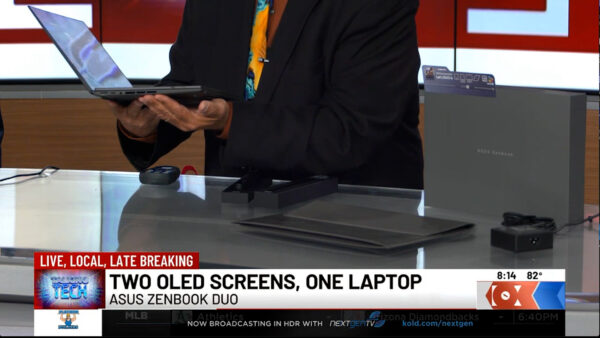
During the Fox 11 demonstration, Andy showed Tyler the DUO’s signature feature. Lift away the Bluetooth keyboard and a second display is revealed underneath. Deploy the integrated stand and the Zenbook DUO becomes a portable dual-screen workstation.

For students, that could mean having research or an online lecture on the upper display while taking notes or writing a paper on the lower screen. Someone working remotely could keep a video conference on one display while accessing documents on the other.

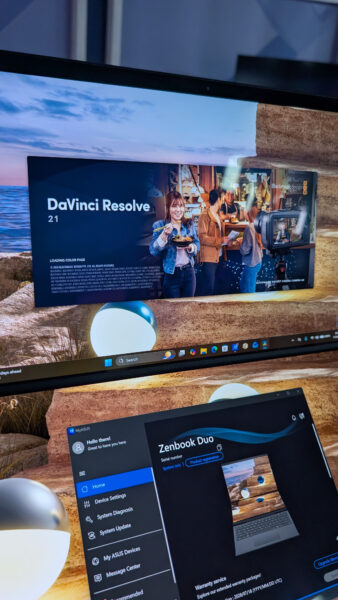
Creators can benefit even more. During the segment, Andy demonstrated DaVinci Resolve, showing how a video editor could take advantage of the additional screen real estate. Tyler pointed out another useful configuration: putting the video preview on one display and the editing timeline and clips on the other.

And, as Tyler joked, there’s always the possibility of keeping Netflix running on one screen while “working” on the other.

The Zenbook DUO can even be rotated into a book-like vertical configuration. Windows and applications automatically adjust to the new orientation, opening up additional possibilities for reading, research, presentations and creative work.

Plenty of Power Behind Those Screens

The model demonstrated on Fox 11 was equipped with an Intel Core Ultra 9 processor, 32GB of memory and 1TB of storage, with additional storage configurations available. ASUS also includes stylus support, allowing the DUO to become a digital canvas for drawing, handwriting, annotation and creative applications.

Despite powering two displays, battery life remains impressive, with ASUS rating the system for extended use depending on configuration and workload. ASUS has also paid attention to cooling, with ventilation designed into the chassis to maintain airflow while the system is handling demanding applications.

Who Is the Zenbook DUO For?

At around $2,500 for the configuration demonstrated, the Zenbook DUO isn’t aimed at someone simply looking for an inexpensive laptop to type papers and browse the web.

Instead, this is a machine for someone who would normally carry a powerful laptop and perhaps wish they could bring a second monitor along with them. Students in media production, graphic design, engineering and other demanding programs could take advantage of its flexibility, as could professionals heading back to school who need one computer for both coursework and their career.

The original Zenbook DUO showed us what a dual-screen laptop could be. The 2026 ASUS Zenbook DUO demonstrates how much that concept has matured. With its refined Ceraluminum construction, smoother dual-screen design, OLED displays, improved keyboard and powerful hardware, it turns a portable computer into something much closer to a desktop-style dual-monitor workspace that you can fold up and carry with you.

For the right student, creator or professional, that versatility may be the Zenbook DUO’s best feature of all.

Watch for more technology reviews and Talking Tech segments with Andy Taylor at TechtalkRadio.com.